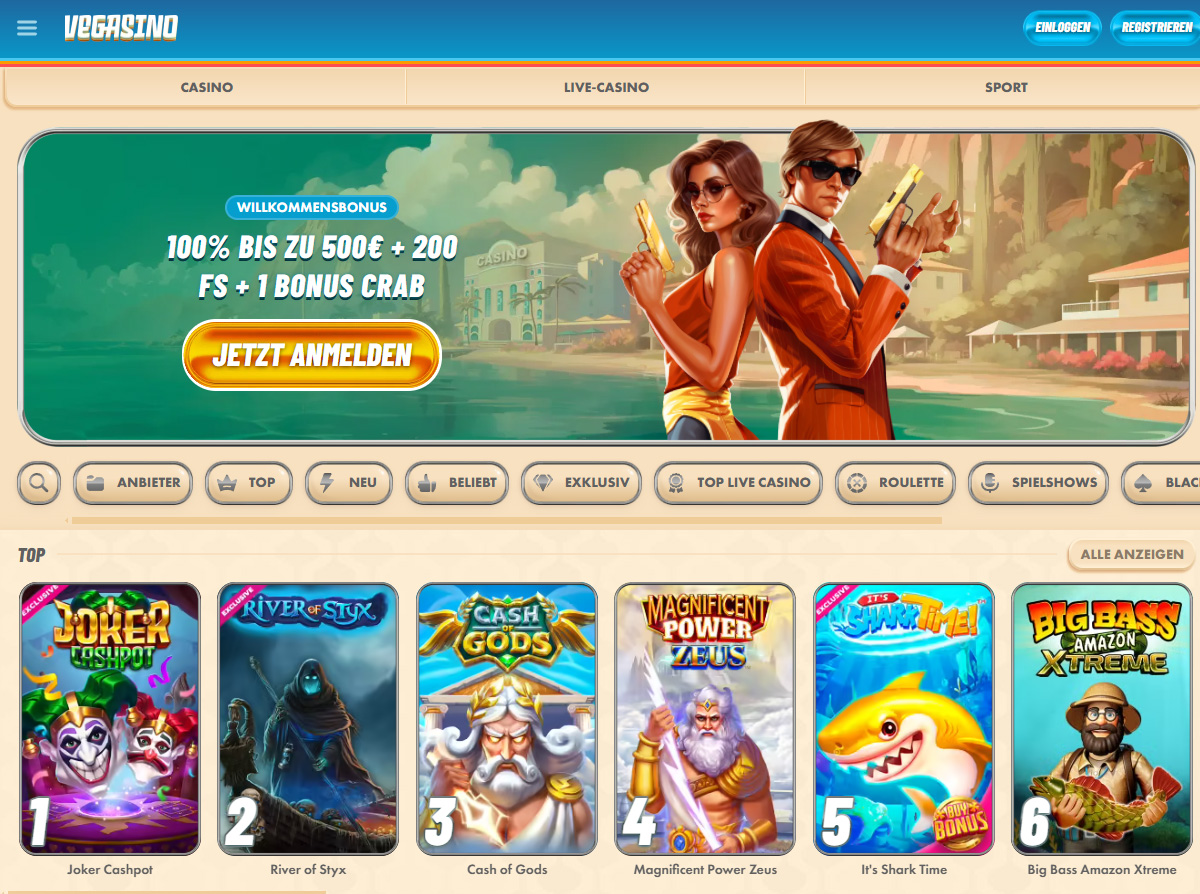
For Canadian players who prefer to carry their games with them, Vegas Hero Casino provides a mobile app you can download on Android devices, iPhones, and iPads. This guide walks you through downloading, installing, and configuring the app step by step. You’ll discover details about system requirements, setting up an account, finding your way around the mobile lobby, data consumption of the app, and the safety features protecting your gameplay. After you’re set up, you can start playing slots, table games, and live dealer titles from any location in Canada.
Getting and Configuring the App on an Android Device
To set up the Vegas Hero Casino app on Android, you’ll download an APK file straight from the official website. Gambling apps are banned on the Google Play Store in many places, including Canada, so this is the exclusive route. The process is easy, but you’ll need to modify a security setting to permit installs from outside the Play Store. The steps below cover everything; once you’re done, the app is ready for login and play.
- Open Chrome (or any browser) on your Android device and go to the official Vegas Hero Casino website. Double-check the URL so you don’t land on a fake site.
- Find the “Download for Android” button—usually in the footer or on a dedicated mobile page—and click it. It might say “Get the App” or “Android APK.”
- You might see a warning that APK files can affect your device. Tap “OK” or “Download anyway” to proceed. The file, something like VegasHero.apk, stores to your Downloads folder.
- When the download finishes, swipe down the notification bar and tap the file, or open the Downloads folder with a file manager and select the Vegas Hero APK. Tapping it starts the installation.
- If you get an “Install blocked” message, tap “Settings” and turn on “Allow from this source” or toggle “Install unknown apps” for the browser you used. On newer Android versions, this permission is managed per app.
- Go back to the installation screen and tap “Install.” Accept any permissions it asks for, like storage access for caching game assets. A progress bar will appear.
- Once it’s done, tap “Open” to open the app. It’s a good idea to return to security settings afterwards and turn off the unknown sources permission for that browser, so your device reverts to its normal security level.
Since APK files come from outside the Play Store, make sure you’re downloading the file from the real Vegas Hero Casino website. The official APK is digitally signed and never demands for permissions beyond what’s needed for game streaming and account management. Running an antivirus scan on the downloaded file offers you extra peace of mind. The first time you open the app, it will download more game assets over the network, so it’s advisable to be on Wi‑Fi at that point to avoid using up your mobile data.
Setting up the Vegas Hero Casino Platform on iOS Devices
Apple’s App Store typically doesn’t carry real‑money casino apps in Canada unless they’re tied to a provincial lottery. So Vegas Hero Casino offers iOS users an enhanced mobile website that you can save as a home screen icon. It appears and operates like an app, no traditional download needed. The steps below show iPhone and iPad users how to create this shortcut so the casino opens in a full‑screen view.
- Start Safari on your iOS device. You must use Safari for the “Add to Home Screen” feature; other browsers like Chrome or Firefox might not support it fully.
- Go to the official Vegas Hero Casino website and log in, or open an account if you haven’t yet. The mobile site appears just like the intended web app.
- Select the Share icon at the bottom of the screen (a square with an upward arrow). This opens the share sheet with options for bookmarking, messaging, and more.
- Scroll down the share sheet until you see “Add to Home Screen” and tap it. You’ll view a preview of the icon and a name field.
- You can edit the shortcut name to “Vegas Hero” or anything you like, then tap “Add” in the top‑right corner. The icon appears on your home screen right away.
- Tap the new icon to access the casino in a dedicated full‑screen web view, free of Safari’s navigation bars. The experience appears the same to a native app and works in both landscape and portrait modes.

At times the casino might offer an iOS configuration profile or a direct download link for an enterprise‑signed app. If you find that option on the official site, after installing you’ll must go to Settings > General > VPN & Device Management (or Device Management) and authorize the developer certificate before the app opens. Enterprise certificates can be canceled by Apple without warning, so the home screen shortcut method is generally the more reliable long‑term fix. It also bypasses the extra security risks that are tied to unsigned provisioning profiles.
Managing Data Usage, Connectivity, and App Performance
Vegas Hero Casino’s mobile app demands a constant internet connection because all game logic and outcomes are managed on remote servers. Without connectivity, even the lobby fails to load. Think of the app as always‑online software. A stable 4G connection with at least 5 Mbps download speed is typically sufficient for slot games. Live dealer streams perform better with 10 Mbps or higher to avoid buffering. The app has a built‑in connection quality indicator, often shown in the live casino section, that displays your signal strength and current bitrate.
Data usage changes considerably by game type. Slot games mostly send small bits of graphical data and bet results, so they use around 3 to 8 MB per hour. Table games like blackjack or roulette fall into a similar range. Live dealer games, on the other hand, transmit HD video and can chew through roughly 60 to 120 MB per hour, depending on the stream quality setting. The app may allow you choose a lower video quality in the live casino settings to save data. If you’re on a limited mobile data plan, watch your usage and use Wi‑Fi whenever you can, especially before long live dealer sessions.
The app itself is efficient after the initial setup, but it caches images and game assets to make future launches faster. Over time, the cache can increase to several hundred megabytes. Removing the app cache from device settings (on Android) or offloading and reinstalling the shortcut (on iOS) frees up storage without touching your account balance. On Android, app updates arrive via occasional APK downloads from the official site. The iOS home screen app updates automatically when the underlying website is refreshed, so you don’t have to do anything. This approach preserves the experience current without nagging you with frequent download prompts.
Device Compatibility and System Prerequisites
Vegas Hero Casino’s mobile app supports a wide range of devices, but you can expect the best performance if your hardware meets the advised requirements. As of early 2025, the app officially supports Android devices running version 8.0 (Oreo) or later, and iPhones and iPads with iOS 13 or newer. Earlier operating systems could still operate the software, but you may experience increased loading times, sporadic interface glitches, or absent features. Maintaining your device’s OS up to date is one of the easiest ways to avoid compatibility headaches.
The casino recommends at least 2 GB of RAM for smooth game streaming. If you have 3 GB or more, that is preferable, especially for live dealer tables and HD slots. Screen resolution is not a limiting factor; the interface responds fluidly to both smaller phone screens and larger tablets. You will need a steady internet connection, Wi‑Fi or 4G/LTE, because the app does not operate offline. Your device should have at least 200 MB of free space for the initial install and cached files. As the game library grows, you will want a bit more room.
Before you download, verify your device fulfills these minimum requirements. The Android installation package is usually between 40 and 80 MB, and supplementary game data download the first time you launch the app. iOS home screen shortcuts occupy almost no space because the app functions inside Safari. Cleaning the app cache now and then, through device settings on Android or by removing and adding again the shortcut on iOS, ensures smooth performance without affecting your balance or saved preferences.
Exploring the Mobile Casino Interface and Game Selection
The mobile lobby displays a scrollable grid of game tiles. A top menu bar provides quick links to Slots, Live Casino, Table Games, and Jackpots. Tap the magnifying glass icon to open a search field where you can type a game name or filter by provider. The app remembers your recently played titles and has a ‘Last Played’ section for quick access. Each game tile shows a thumbnail, the title, and often a provider logo, so you can identify NetEnt, Microgaming, or Evolution games right away without scrolling through long lists.
Tapping a game tile launches the title in landscape or portrait mode, depending on how the game is designed. Most slots function in both orientations, using your device’s accelerometer to rotate smoothly. The touch interface takes the place of mouse clicks; spinning the reels is as easy as tapping the spin button or swiping down on the screen. Table games have oversized chip denominations that are easy to tap with your thumb. For live dealer games, the video stream covers the upper half of the screen while the betting layout remains accessible at the bottom, and you can toggle to a full‑screen dealer view.
Beyond the game grid, a collapsible side menu (usually opened with a hamburger icon) takes you to the cashier, promotions page, loyalty dashboard, and support. If you enabled push notifications during installation, they can notify you about new tournaments or time‑sensitive bonuses. The app also has in‑app chat for customer support, so you can contact a live agent without leaving your game. These design choices ensure essential functions within a few taps and avoid the cluttered layouts that can overwhelm smaller screens and slow you down.
Registering an Account and Verifying Your Identity
When you open the app or home screen shortcut, the initial step new players need to do is create an account. The registration form requests a valid email address, a username, a strong password, and personal details like your full legal name, date of birth, and home address. Since the casino accepts Canadian players, it must adhere to anti‑money laundering rules and age‑verification laws. In most provinces, the minimum age is 19. Players in Alberta, Manitoba, and Quebec, where the legal gambling age is 18, must still satisfy the casino’s specific age requirement, which you’ll see during sign‑up.
Following your submission of the form, casino vegas hero téléchargement application, the casino might ask for identity verification documents before your first withdrawal. You’ll usually need to upload a clear copy of a government‑issued photo ID (driver’s licence or passport) and a recent utility bill or bank statement that shows your registered address. The mobile app allows you to take pictures of your documents right inside the verification section, which speeds things up. Verification can take 24 to 48 hours, however it is usually speedier. Before your documents are approved, you can continue to deposit and play, but withdrawals will be on hold.
Depositing funds on mobile is easy. The cashier section provides several Canada‑friendly payment methods: Interac e‑Transfer, Visa and Mastercard debit/credit cards, MuchBetter, ecopayz, and sometimes Neosurf. You choose your preferred method, enter an amount, and follow the prompts. Minimum deposits are usually between C$10 and C$20, but the exact amount is shown in the cashier. The casino itself usually does not charge deposit fees, though your payment provider might. Once the deposit goes through, your balance updates instantly, and you can start browsing the game lobby right away.
Security Measures and Responsible Gambling Tools on Mobile
Playing at an online casino with real money means you have to depend on the platform’s security and the fairness of the games. Vegas Hero Casino’s mobile environment protects data in transit using Transport Layer Security (TLS) protocols, just like the desktop site. Logins are secured by your username and password. Some installations also support biometric authentication (fingerprint or face recognition) if your device has it, though you’ll need to turn that on in the app settings if it’s available. It’s a good idea to avoid public Wi‑Fi and keep your device’s operating system up to date to fix security holes that could be abused on unsecured networks.
Fairness is supported by a certified random number generator (RNG). The casino might display seals from independent auditors like eCOGRA or iTech Labs, but you can confirm the exact certification on the casino website; the mobile app usually points to the same page. Each game’s return‑to‑player (RTP) rates are listed in the game info panel, so you can see the numbers before you bet. Live dealer games don’t use an RNG—they rely on real equipment streamed in real time, which provides you with visual proof of fair dealing and brings a layer of trust through human croupiers.
Responsible gambling controls are integrated into the mobile app to help Canadian players stay in control. In the account settings, you can establish daily, weekly, or monthly deposit limits that take effect right away. You can also activate reality checks that show after a set amount of time, alerting you how long you’ve been playing and displaying your wins and losses for that session. A self‑exclusion option allows you block access to your account for a period varying from 24 hours to permanent closure.

The app also has direct links to third‑party support lefigaro.fr services like ConnexOntario (for Ontario residents), Gamtalk, and the Responsible Gambling Council’s national helpline. You’ll locate these resources on the responsible gambling page, which is clearly labeled in the main menu. By embedding these tools right in the mobile interface, Vegas Hero Casino supports players stay in control even when they’re gaming on the go, establishing a safer environment that aligns with Canadian consumer protection standards.
Leave a Reply